
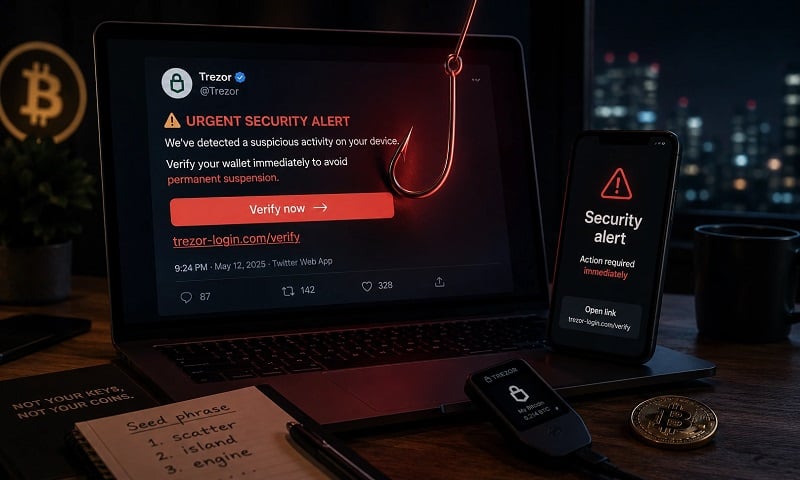
Earlier this year, hardware wallet company Trezor confirmed unauthorized access to its official X (Twitter) account. The incident was later attributed to a sophisticated phishing attack involving a fake Calendly invitation – a known social engineering tactic repeatedly used against crypto and technology firms. The case remains a useful reminder that even security-conscious organizations can be exposed through human-layer attacks, underscoring the need for caution when interacting with third-party integrations, scheduling links, and unexpected authorization requests.
What is a phishing attack?
A phishing attack is a common form of cyberattack in which an attacker impersonates a trusted person, company, or service provider to trick the victim into taking an unsafe action.
This can include entering login credentials into a fake website, sharing one-time passwords (OTPs) or two-factor authentication codes, approving a malicious authorization request, downloading an infected file, or sending funds to an attacker-controlled address.
The attacker’s goal is usually to gain access to accounts, steal sensitive information, or manipulate the victim into authorizing a transaction they would otherwise never approve.
Common phishing methods
Attackers typically carry out phishing through:
- Fake emails: Messages designed to create urgency or emotional pressure, pushing users to act quickly before thinking clearly – for example, by clicking a malicious link, downloading an infected attachment, or sharing sensitive information.
- Fake websites: Links directing users to webpages designed to resemble legitimate services, causing victims to enter login credentials, authentication codes, or other access data.
- Messaging via SMS, Zalo, or Telegram: Messages that imitate trusted contacts, service providers, or company staff – often using urgency, fear, or fake support requests to push the victim into clicking a link, sharing codes, or approving a request.
In summary, phishing is a social engineering tactic that relies on manipulating a person’s trust and psychology to exploit security vulnerabilities.
Calendly phishing attack: Trezor’s X account hacked
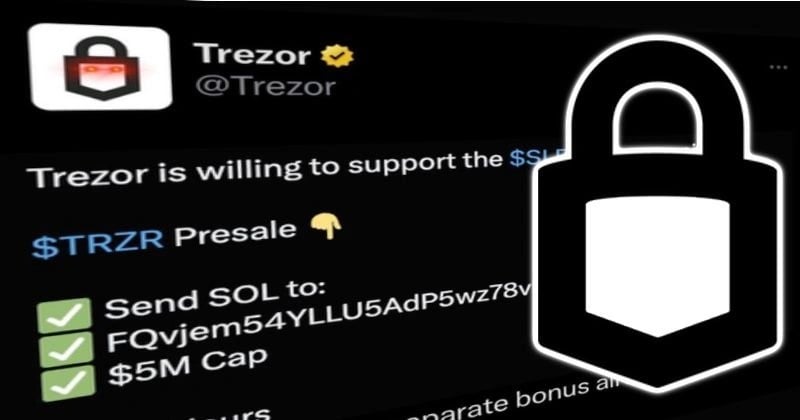
Earlier this year, hardware wallet manufacturer Trezor confirmed unauthorized access to its official X (Twitter) account. According to Trezor, the incident was not the result of a random intrusion but a carefully prepared phishing campaign that had unfolded over several weeks.
The attacker reportedly approached Trezor’s PR team while impersonating a legitimate industry contact and proposed a media interview. During the exchange, a fraudulent Calendly invitation – designed to closely resemble a legitimate scheduling request – was shared as part of the social engineering attempt.
In a later interaction, a team member unknowingly granted account permissions through the malicious workflow, enabling the attacker to publish posts directly from Trezor’s official X account.
Consequences and Trezor’s swift response
Following the incident, Trezor quickly removed the fraudulent posts, which attempted to lure users into sending funds to attacker-controlled wallets or interacting with malicious links. The company also revoked active sessions and third-party application access associated with the incident while conducting an internal security review aimed at reducing the risk of similar attacks in the future.
Were users and products affected?
According to Trezor, the incident did not affect the security of its hardware wallets, the Trezor Suite application, or users’ private keys. Unless users actively interacted with the malicious posts, their hardware wallets, private keys, and Trezor software were not at risk from this incident.
The compromise affected Trezor’s official X account – a communication channel – rather than the systems protecting user funds. Trezor also stated that it would review and strengthen its internal procedures around third-party applications and social media access to reduce the risk of similar incidents in the future.
As a general rule, you should never make investment decisions based on a tweet or social media post alone. Urgency, hype, and emotionally charged messaging are precisely the conditions under which poor decisions tend to be made.
Best practices to avoid phishing attacks
Verify links, domains, and sender identities
Before clicking a link in an email, message, or calendar invitation, inspect the actual URL and sender identity carefully. Be cautious of slight misspellings (e.g., trezor.io vs. trez0r.io), shortened links, or unexpected login and authorization requests. If in doubt, navigate to the service directly rather than clicking a provided link.
Beware of urgency and emotional triggers
Phishing attempts frequently try to create urgency, fear, or excitement to trigger quick reactions before the victim has time to think clearly (“your account will be suspended”, “limited-time opportunity”, “urgent verification required”). Legitimate companies rarely pressure users into immediate action.
Use strong account security and two-factor authentication
Even if login credentials are compromised, additional authentication layers can reduce risk. Prefer authenticator applications or hardware security keys over SMS-based verification where possible, and review connected third-party applications periodically.
Keep software and devices up to date
Security updates often patch vulnerabilities that attackers actively exploit. Ensure your operating system, browser, applications, browser extensions, and wallet software remain updated.
Never share credentials, codes, or recovery phrases
No legitimate company will ask you to share passwords, one-time verification codes, authentication tokens, or wallet recovery/seed phrases via email, chat, or direct message. Treat such requests as immediate red flags.
Be cautious with third-party integrations
Attackers may abuse tools such as Calendly, Slack, Google Workspace add-ons, or browser extensions to request permissions that look routine but can grant access to sensitive accounts. Only authorize integrations from verified sources, and periodically review which applications are connected to important accounts.
Protect your accounts and data
Regularly review active login sessions, revoke old or suspicious app access, and monitor accounts for unusual activity. Important data should be backed up securely, preferably using encrypted or offline storage.
Stay informed and train regularly
Cyber threats evolve quickly, but many successful attacks still rely on simple human mistakes. For teams, regular awareness training and internal sharing of real-world examples can reduce the chance that one rushed click turns into a serious incident.

Cold storage: keeping your keys offline
Cold storage means keeping your cryptocurrency private keys fully offline and disconnected from the internet.
Neither your private keys nor your seed phrase should ever be entered into, uploaded to, photographed on, or stored on an internet-connected device.
If your online devices have no signing capability, a remote attacker has far less to target. Even if your computer or phone is compromised, the attacker cannot directly move your funds without access to the offline signing device or recovery phrase.
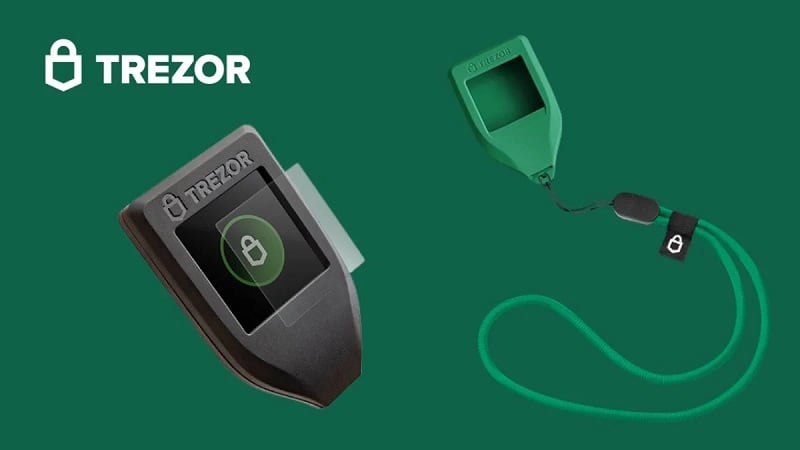
This is why hardware wallets such as Trezor or Coldcard are considered a strong standard for long-term crypto storage: they help keep private keys isolated from online systems while still allowing users to sign transactions when needed.
Our golden rule
If you hold more than USD 1,000 worth of cryptocurrency, do not cut corners on security. A dedicated hardware wallet is inexpensive compared to the potential loss of funds – and should generally be considered part of the cost of holding digital assets securely.
Multivendor multisig: reducing single points of failure
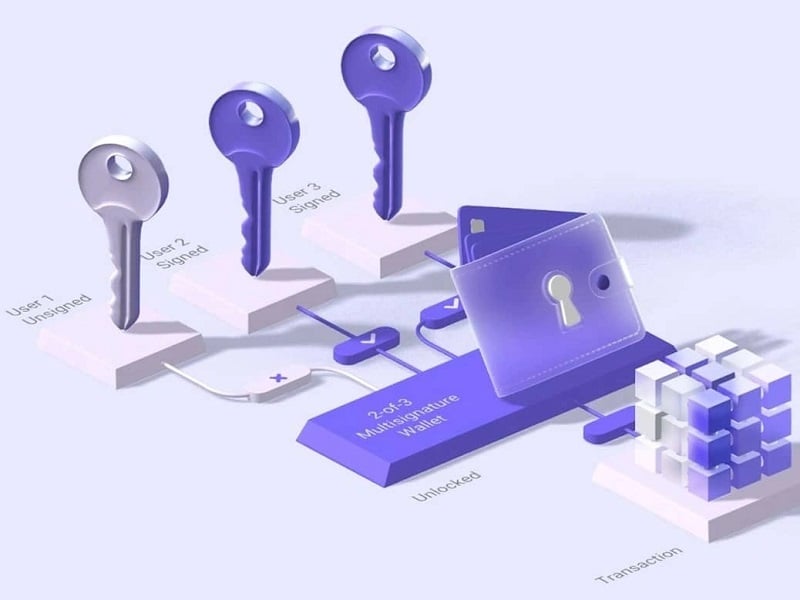
Multisig – short for multi-signature – is a wallet setup that requires multiple private keys to authorize a Bitcoin transaction. In a 2-of-3 setup, for example, three keys exist, but any two are required to move funds. This reduces the risk of a single lost, damaged, or compromised key leading to permanent loss of funds.
Multivendor multisig takes this concept one step further by using hardware wallets from different manufacturers, such as Trezor, Coldcard, or Blockstream Jade, to hold separate keys. Each device relies on its own firmware, design choices, and backup process. This reduces dependence on any single vendor, device model, or software stack.
For larger holdings, a multivendor multisig setup can provide a stronger security model than relying on a single device alone. However, multisig also requires careful setup and proper backup discipline. If the process feels overwhelming, our team can help guide you through each step.
Why Bitcoin only?
These types of ultra-secure cold storage setups are primarily designed for native Bitcoin.
The reason is simple: Bitcoin is the digital asset with the strongest case for long-term, multi-generational wealth preservation. Most alternative cryptocurrencies are more speculative in nature and generally do not justify the same level of long-term inheritance and custody planning.
That does not mean other digital assets should be left unprotected. They should still be secured through appropriate hardware wallet or cold storage setups. But few assets have the same depth of hardened infrastructure, long-term security tooling, and inheritance-focused custody solutions that have developed around Bitcoin.
Passing Bitcoin across generations is a realistic planning exercise. Designing a multi-decade custody setup around the latest hot asset of a market cycle is usually not.
Conclusion
The lesson from the Trezor incident is not that hardware wallets are unsafe.
The opposite is true: the products and private keys were not the weak point.
The weak point was insufficient caution in an ordinary-looking online interaction.
A familiar platform. A normal-looking calendar invite. A believable professional request. That is how many serious phishing attacks work: they do not always look suspicious at first glance. They often look like part of an ordinary workday.
For individuals, the rule is simple: slow down before clicking, signing, approving, or sending funds.
For businesses, the same rule applies at scale: restrict third-party app permissions, review connected accounts regularly, and make sure no single rushed approval can compromise a critical communication channel.
Security is not only about better tools – it is also about building better habits through persistent cybersecurity awareness training.
Under pressure, people tend to fall back to the level of their training.
Make sure you maintain a sufficiently strong security and awareness baseline to reduce the risk of such attacks succeeding – before they threaten your hard-earned savings, your business, or the well-being of your loved ones.
Based in Vietnam and looking for a Trezor device?
Our team at BitcoinVN Shop has been an official supplier of Trezor devices in Vietnam since 2017. We provide clients with access to the latest genuine devices from Czechia’s original hardware wallet manufacturer, delivered directly from our Vietnam-based warehouse – with no customs or import hassle involved.
Same-day delivery in Saigon is possible. Alternatively, you can pick up your device directly from our Saigon or Da Nang pick-up locations if you prefer to avoid sharing personal delivery information when purchasing a hardware wallet.