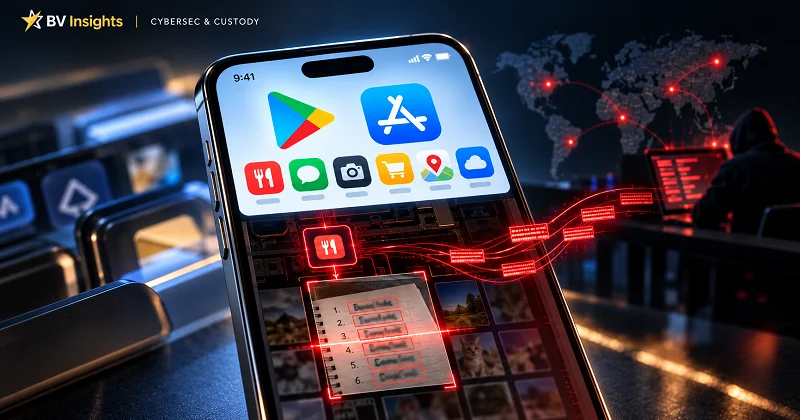
Could an app downloaded from the App Store or Google Play put your crypto wallet at risk? SparkCat, a malware campaign publicly documented by Kaspersky in February 2025, showed how malicious code embedded in seemingly legitimate apps could search users’ photos for wallet recovery phrases. Following Kaspersky’s discovery, Google and Apple removed multiple infected apps from Google Play and the App Store, showing that even apps downloaded from official stores aren’t always safe.
Here’s how SparkCat works and what wallet owners can learn from it.
What is SparkCat?
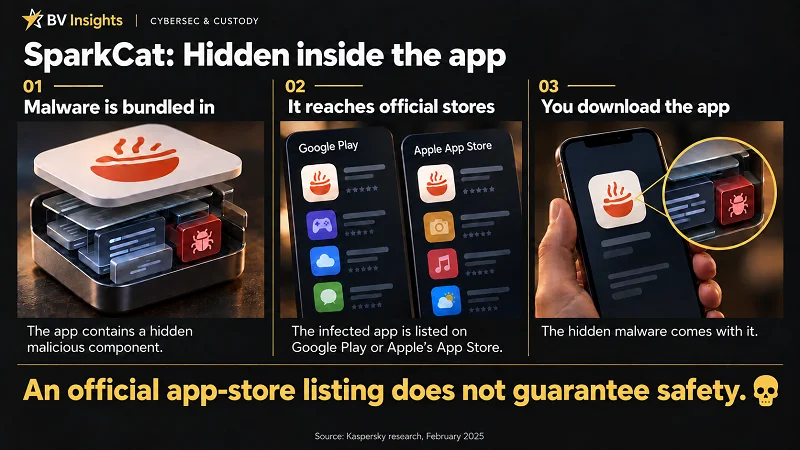
SparkCat is information-stealing malware found in Android and iOS apps. It was embedded in software components used by the apps, including software development kits (SDKs). Some affected apps offered ordinary services, such as food delivery, while others appeared to have been created to lure victims.
Once granted access to photos, SparkCat uses optical character recognition (OCR) – technology that reads text in images – to search accessible pictures and screenshots for wallet recovery phrases. Matching images are sent to the attackers, potentially giving them the information needed to access the affected wallets and steal their funds.
According to Kaspersky, infected apps had accumulated more than 242,000 downloads on Google Play alone at the time of its analysis. That figure measures app downloads, not confirmed wallet thefts.
How the SparkCat malware works
1. Asking for photo access
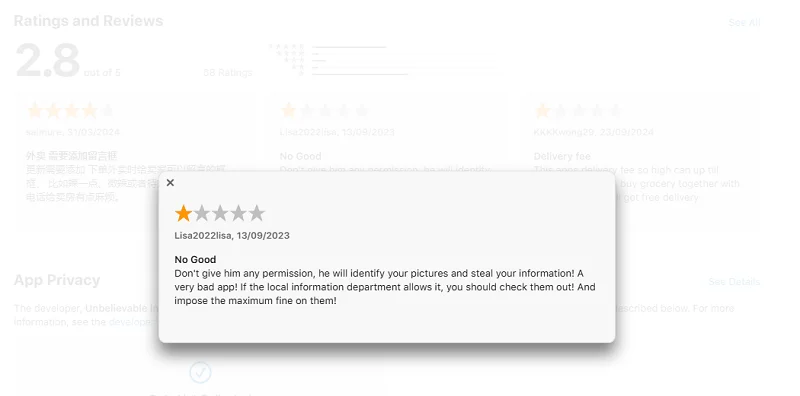
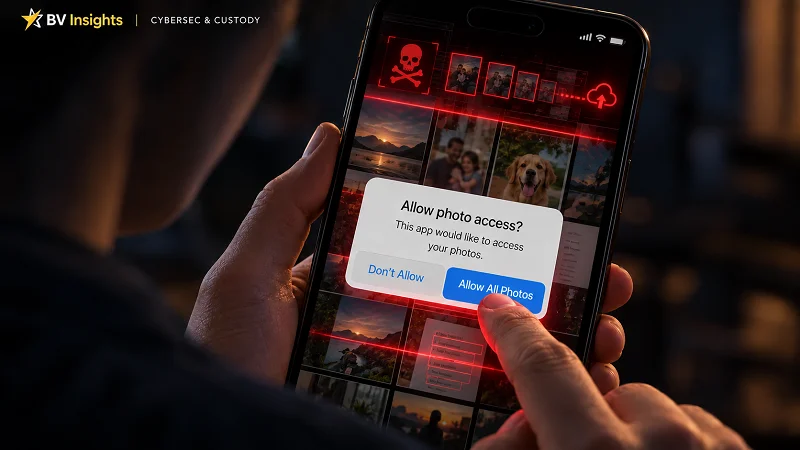
When a user opens a feature such as a support chat, the infected app may request permission to access photos and screenshots.
If permission is granted, SparkCat starts scanning the images the app is allowed to access. Granting full photo access can expose the entire library.
2. Scanning photos using OCR technology
SparkCat uses the text-recognition features in Google ML Kit to read text in photos – a process called optical character recognition (OCR).
It looks for keywords and text patterns associated with wallet recovery phrases. Its search rules come from the attackers’ command-and-control (C2) server and can be updated. The malware can recognise Latin, Chinese, Japanese and Korean characters, allowing it to search across multiple languages.
3. Sending data to the attackers
Images that match the search criteria are uploaded to servers used by the attackers, along with information about the device and the text detected in the images.
Kaspersky also identified a communication component written in Rust – an unusual choice for mobile apps – which complicated its analysis.
4. Staying hidden
By requesting photo access during ordinary activities, such as opening a support chat, SparkCat makes the permission request appear routine.
Behind the scenes, it uses encrypted configuration data, domain names resembling legitimate services and malicious components disguised as ordinary system software. Its code is also deliberately obscured – a technique called obfuscation – to make detection and analysis harder.
Which apps were affected by SparkCat malware?
In February 2025, Kaspersky reported finding SparkCat malware in 10 Android apps on Google Play and 11 iOS apps on Apple’s App Store. These included ComeCome, a food delivery service with infected versions on both platforms. The affected Android apps had collectively exceeded 242,000 downloads on Google Play at the time of analysis.
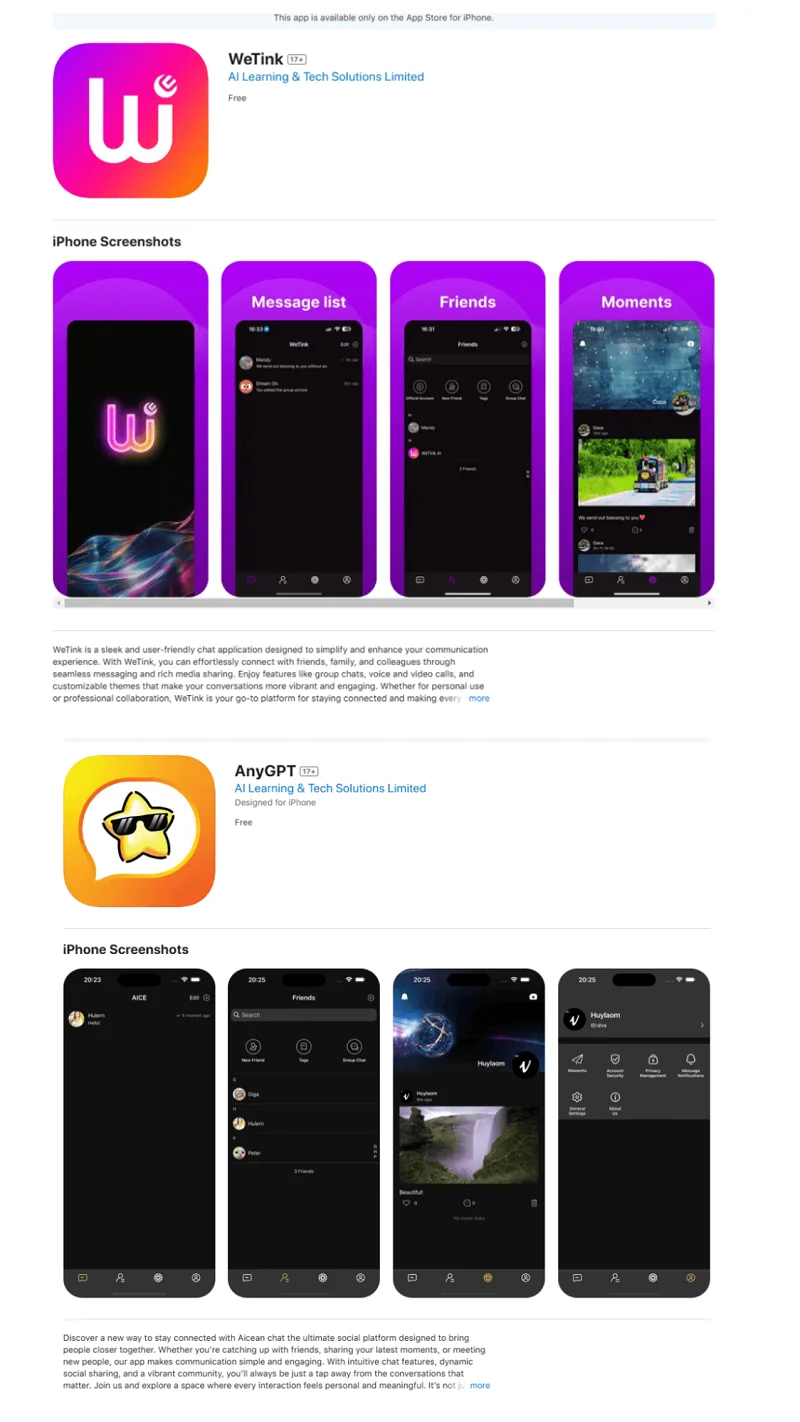
Other affected apps included messaging apps, news readers and crypto wallet utilities. Some appeared to offer legitimate services, while others – including several messaging apps claiming AI features – appeared to have been created to lure victims.

Kaspersky assessed that the campaign targeted users in Europe and Asia, potentially extending to other regions. This assessment was based on the malware’s search languages and dictionaries, alongside the countries served by affected apps.
Search keywords supplied by the attackers’ command-and-control (C2) servers included terms in Chinese, Japanese, Korean, English, Czech, French, Italian, Polish and Portuguese. These terms focused on wallet recovery phrases.
Consequences & risks
SparkCat is especially dangerous if you keep photos or screenshots of your wallet recovery phrase (seed phrase) in your phone’s gallery.
First off – don’t ever take pictures of your seed phrase!

Use proper offline backup methods for your seed phrase – including tools such as BitcoinVN’s steel plates for seed-phrase backup – to help keep your seed phrase safe even in the event of fire, flooding or other disasters.
The malware’s scanning rules could also be adapted to target other sensitive information captured in accessible photos and screenshots, including passwords and private messages.
Beyond the documented SparkCat findings, AI tools could help criminals analyze stolen information, build profiles of potential victims and identify lucrative targets for scams or extortion.
SparkCat’s presence in Google Play and Apple’s App Store shows that store screening is not foolproof. Seemingly ordinary permission requests and deliberately obscured code helped the malware operate unnoticed.
There is a familiar saying in software engineering: “Software is a liability” – an idea echoed in Jeff Atwood’s 2007 essay The Best Code Is No Code at All that has held up well for nearly two decades.
The security lesson for users is straightforward: every additional app introduces something else you must trust. If you don’t need it – or have doubts about its safety – don’t install it.
Conclusion
If SparkCat could access a photo of your seed phrase, treat that phrase as compromised. Using a clean device, promptly move any remaining funds to a newly created wallet with a new seed phrase. Deleting the infected app – or factory-resetting your phone – does not make an exposed seed phrase safe again.
More generally, keep private-key and seed-phrase backups offline. Do not photograph them, store them on your phone or upload them to online services.
Keep long-term crypto custody separate from everyday device use. Use dedicated hardware wallets and keep your recovery backups offline.
Reduce your attack surface by minimising the apps and software you install. Do not blindly trust Google, Apple or other Big Tech companies to keep you safe.

Cybercriminals around the world are scheming right now to take everything they can from you and your loved ones. As the head of your household, it is your responsibility to take the necessary precautions to protect your family.
Prepare or perish – the choice is yours.